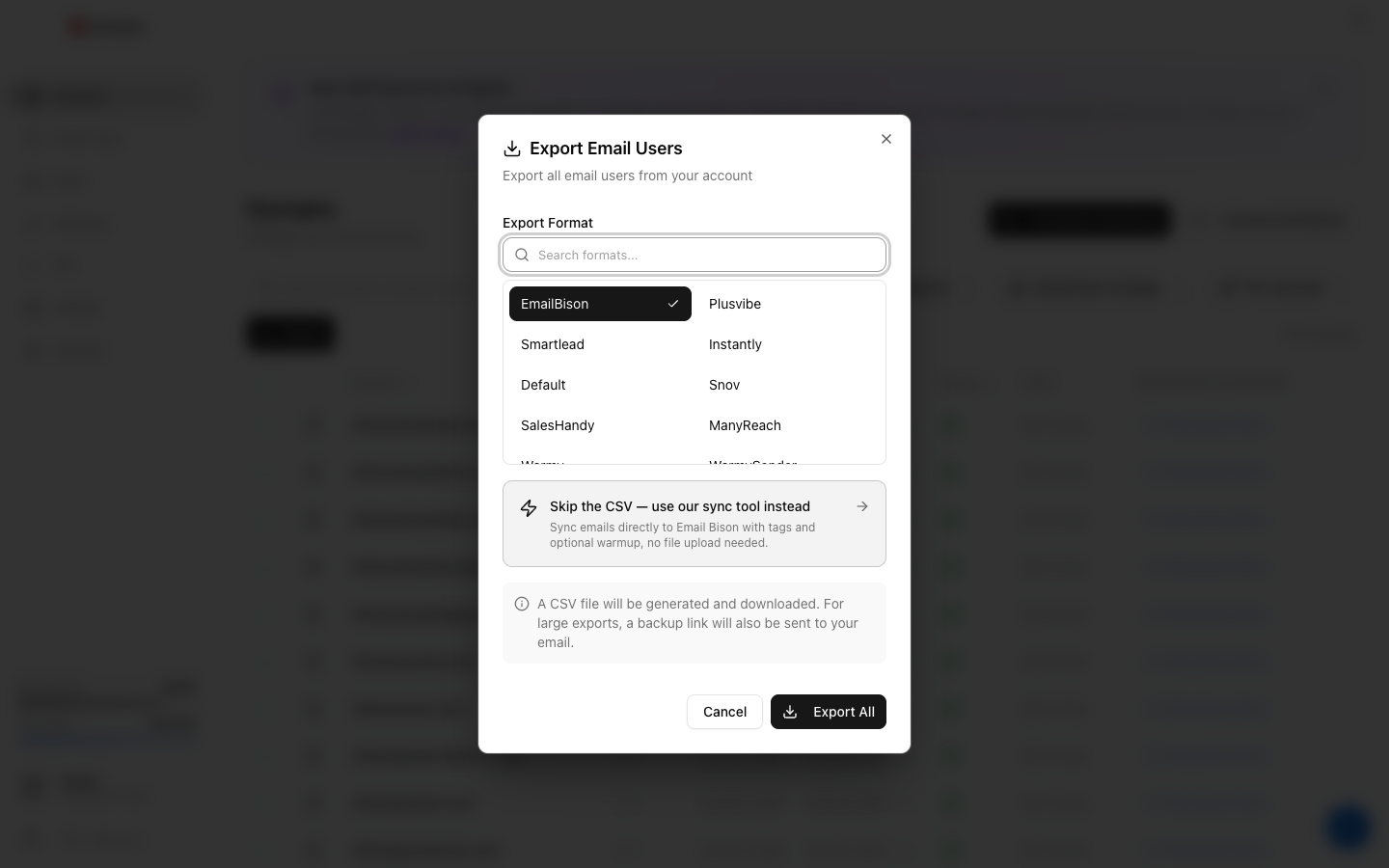
Go to Email Users → Export, choose Default under Export Format, click Export, then Download CSV. The file has 12 columns: domain, from_email, from_name, user_name, password, smtp_host, smtp_port, imap_host, imap_port, imap_username, imap_password, footer. It works with any tool that takes SMTP and IMAP settings, usually after renaming a few columns to match the tool's template. It has no daily-limit or warmup columns.
Use Default when your sending tool is not in the Export Format list. For a tool that has its own format, use that one: its column names already match the tool's import template, and many also pre-fill a daily limit.
What's in the Default file
| Column | What Winnr puts in it |
|---|---|
| domain | The mailbox's domain |
| from_email | The full email address |
| from_name | The mailbox's display name |
| user_name | The full email address (SMTP login) |
| password | The mailbox password |
| smtp_host | That mailbox's mail server |
| smtp_port | 465 (SSL) |
| imap_host | That mailbox's mail server |
| imap_port | 993 (SSL) |
| imap_username | The full email address (IMAP login) |
| imap_password | The mailbox password (same as password) |
| footer | The mailbox's footer, usually empty |
Mapping to another tool's template
Most tools ask for the same handful of values under different names:
| Your tool asks for | Use this Winnr column |
|---|---|
| Email, address, sender email | from_email |
| From name, sender name, display name | from_name (split on the first space if it wants first and last name) |
| SMTP username or login | user_name |
| IMAP username or login | imap_username |
| SMTP password, IMAP password | password (one password covers both) |
| SMTP server, IMAP server | smtp_host, imap_host |
| Encryption, SSL, secure | SSL or true (465 and 993 are SSL ports) |
Drop domain and footer if your tool has no use for them. Add any columns your template requires, such as a daily limit, and fill them yourself.
Which format for which tool
- Tools with a dedicated format (the other pages in this category): use that format.
- Any other tool: use Default and rename columns as above.
- Your own integration: the Winnr API can run the same export in any format and returns a download link for the CSV.
Daily limit
The Default file has no limit column, so set one in your tool: 10 to 20 cold emails per mailbox per day (15 is a good default), and keep each mailbox's total, cold plus warming, at 50 or under. Warm new mailboxes for at least two weeks before they send cold.
What's next
Step-by-step
-
1. Select the mailboxes in Winnr
Open Email Users and tick the mailboxes you want to export. To take one domain, filter by it and tick the header checkbox. With nothing ticked, the export includes every mailbox in your account.

-
2. Export in the Default format
Click Export, choose Default under Export Format (the search box finds it quickly), then click the Export button.
-
3. Download the CSV
Click Download CSV. The link lasts 15 minutes, so export again if it has expired. The file holds passwords in plain text, so keep it private.
-
4. Match your tool's template
Open your tool's CSV template and rename or reorder the Winnr columns to match it, using the mapping table on this page. Keep every value as exported.
Frequently asked questions
Is the Default format different from the Smartlead format?
No. They have exactly the same 12 columns in the same order. Use whichever name you find first.
Why does my file have fewer rows than I have mailboxes?
Only mailboxes that finished being created are exported. A mailbox still being set up, or one whose creation failed, is left out. Wait for new mailboxes to show as active and export again.
Does the export have a daily limit column?
No. Set the limit in your tool: 10 to 20 cold emails per mailbox per day (15 is a good default), and 50 or under in total including warming.
My tool wants JSON, not CSV.
Convert the CSV with any spreadsheet or CSV-to-JSON tool. The Winnr API can also run this export and return a download link for the CSV. Its mailbox endpoints return hosts and ports as JSON, but not passwords.
My tool wants one host for every mailbox. Can I use the first row's?
No. Mailboxes on different domains can live on different mail servers. Keep each row's own smtp_host and imap_host, or the mailboxes on other servers will fail to log in.